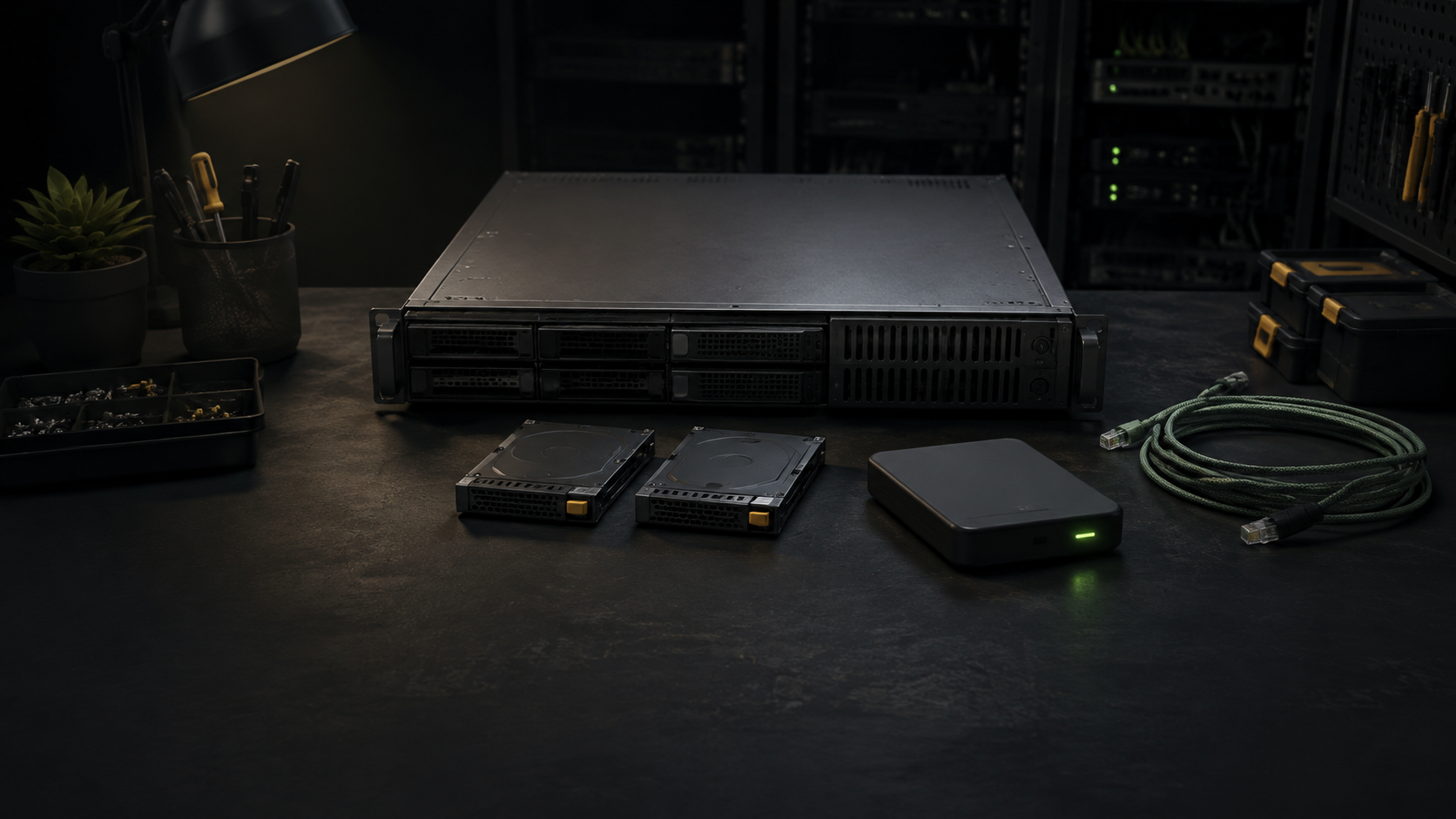
A server is not retired when it powers off. It is retired when its useful workloads have moved, its remaining data has a deliberate destination, and nothing in the lab still expects the old machine to answer.
Work through those conditions in that order. Erasing disks too early can destroy the only usable copy of a guest, configuration, encryption key, or license record. Leaving the hardware connected for months creates the opposite problem: an undocumented machine can keep old credentials and data long after everyone assumes it is empty.
Choose the server’s destination before changing it
Decide whether the complete server will become a cold spare, move to another owner, be broken into reusable parts, or go to an electronics recycler. The destination changes what must happen to its storage and management configuration.
A spare that stays under the same control may keep a recovery image, but it still needs a label, an owner, and a review date. A donated or sold server crosses a trust boundary. Its storage media, removable cards, management controller, and saved credentials need separate disposition decisions. A parts donor may contain several drives even when only the chassis is being transferred.
Record the chassis model, serial number, installed drives, add-in storage devices, boot media, and intended destination. Photograph cable and drive-bay labels if they will help with reassembly. Do not publish the inventory because serial numbers, hostnames, addresses, and topology details can expose useful operational information.
Prove that every workload has another home
Start from the home-lab inventory and dependency map, then compare it with the server itself. List virtual machines, containers, local file shares, scheduled jobs, backup jobs, monitoring agents, DNS records, DHCP reservations, firewall objects, certificates, and remote-access entries associated with the host.
| Item | Evidence needed before retirement |
|---|---|
| Guest or service | Running on its new host with expected network, storage, and authentication |
| Important data | Present at the new location and in a separate recoverable backup |
| Scheduled task | Moved, intentionally removed, or documented as obsolete |
| Address or name | Updated in DNS, DHCP, monitoring, firewall, and access records |
| Recovery material | Configuration export, keys, and restore instructions available without the old host |
Proxmox VE’s integrated backup tool includes virtual-machine or container data and its guest configuration, but a guest backup is not a complete host-retirement record. Keep the host networking, storage definitions, cluster details, encryption material, and any other configuration needed for a rebuild. The backup destination comparison can help keep that recovery copy outside the machine being removed.
Stop the original workloads after the replacements pass their checks, but keep the server intact for a short observation period. Watch monitoring, logs, backup reports, and user-facing services for unexpected calls to the old address. If a dependency still appears, correct the migration record before proceeding.
Remove a Proxmox node only after migration
A standalone Proxmox host can be shut down after its guests, data, and required configuration have moved. Cluster membership needs an additional sequence. The Proxmox VE administration guide says to move all virtual machines, copy local data and backups that must be retained, and remove scheduled replication jobs before removing a cluster node.
Check shared storage, high-availability resources, replication, Ceph roles, firewall objects, backup selections, and monitoring by the exact node name. Migrations can change replication direction, so review the final job list rather than relying on an earlier plan. Follow the removal procedure for the installed Proxmox version from a different surviving node. Keep the retiring node powered off and separated from the cluster network after removal.
Do not reinstall the removed node with its old cluster configuration and reconnect it as a shortcut. If it will be reused, treat that as a new deployment. The console-access comparison explains why local or host-independent access should remain available until the final controlled shutdown.
Match sanitization to each storage device
Inventory media individually. The boot SSD, data drives, USB devices, memory cards, and removable installation media may hold different information. A RAID set should not be treated as one anonymous object because individual members can leave by different routes.
NIST SP 800-88 Revision 2 defines three sanitization methods: clear, purge, and destroy. The appropriate method depends on the information, media, destination, available technique, and level of assurance required. NIST now directs readers toward IEEE 2883, applicable NSA specifications, or another approved standard for technology-specific techniques. That makes a generic command copied from a forum an unsuitable retirement policy.
Use the current manufacturer documentation for the exact drive and interface, along with a sanitization method appropriate to the data. A normal file deletion, quick format, partition-table removal, or Proxmox guest deletion is not evidence that all target data became inaccessible. Flash storage may contain areas that ordinary host writes do not address. NIST also warns that command names can imply capabilities they do not actually meet, so vendor behavior and the result both matter.
Cryptographic erase needs more than a belief that the disk was encrypted. Its assurance depends on factors such as which data was encrypted, how the relevant keys were managed, and whether the key sanitization conditions are satisfied. When media is damaged, unsupported, or cannot produce an acceptable result, retain control of it and escalate to an appropriate technique or qualified destruction service.
Verify the result, then transfer or recycle
NIST separates sanitization verification from validation. Verification checks whether the selected operation completed successfully and whether it reported errors or anomalies. Validation decides whether that outcome is acceptable for the target data. A completed progress bar with an error in the device log is not a passing result.
For each device, record its manufacturer, model, serial number, media type, source server, sanitization method and technique, tool and version, completion status, verification method, validator, date, and final destination. Reject the result when the technique was wrong for the media, inaccessible areas create unacceptable uncertainty, or an error prevents a confident decision.
Only then remove the chassis from the inventory, revoke host-specific credentials, delete obsolete monitoring and name-service entries, and mark the retirement complete. Give the next owner a clean hardware inventory and any non-sensitive setup information, not the old operational record.
If the machine has no practical reuse path, the EPA recommends certified electronics recyclers and identifies R2 and e-Stewards as the two accredited certification standards in the United States. EPA guidance also says batteries may need separate recycling and should not go into household garbage or recycling bins. Confirm the rules and accepted equipment with the specific local facility before transport.
The safest stopping point is easy to recognize: the replacement services work, a separate recovery copy exists, the old node is no longer a dependency, every storage device has a validated disposition record, and the hardware has a named destination.
Sources
- Proxmox VE Administration Guide
- NIST SP 800-88 Revision 2, Guidelines for Media Sanitization
- EPA Certified Electronics Recyclers
- EPA Electronics Donation and Recycling
Primary sources were reviewed September 3, 2026. This is a documentation-based retirement and sanitization guide. It does not claim that LabGremlin migrated, erased, destroyed, recycled, or tested any server or storage device.