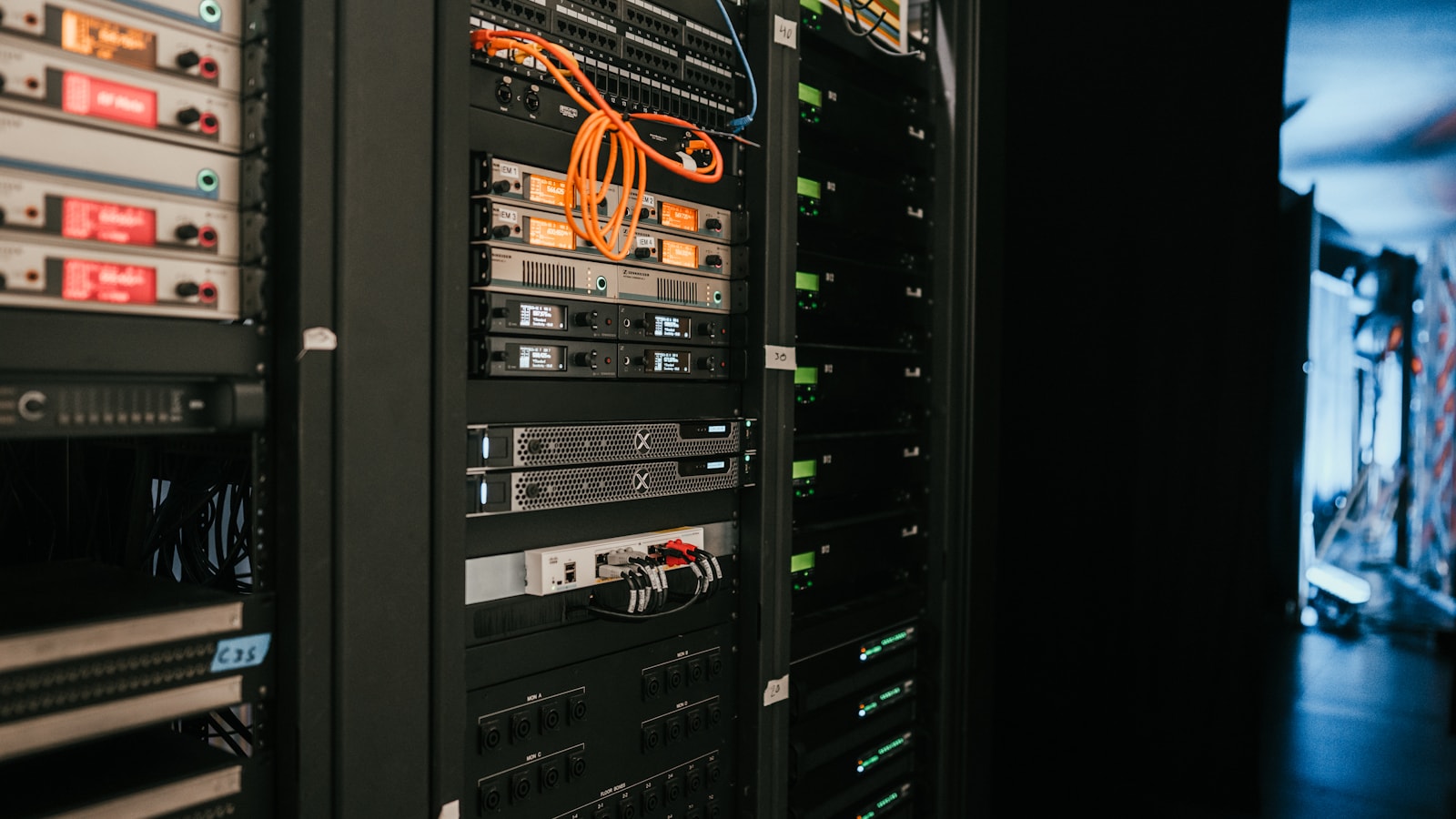
Proxmox can boot with very little memory, but that is the wrong number to use when planning a useful home lab. The better question is how much memory remains after the host, every active guest, storage services, and a safety margin are accounted for.
Short answer: 16 GB is workable for a small learning system, 32 GB is the practical starting point for a general-purpose home lab, and 64 GB is comfortable for several persistent services or Windows virtual machines. Those are LabGremlin planning recommendations, not official minimums.
Start with the official baseline
Proxmox specifies 2 GB for the operating system and services, plus memory assigned to guests. It calls for additional memory with ZFS or Ceph. For planning, reserve 4 GB for a simple host so updates, monitoring, and filesystem cache have room beyond the bare minimum.
A practical sizing formula
Host reserve + always-on VM memory + always-on container memory + storage allowance + 20% growth margin = target RAM
Add workloads that will run concurrently—not every experiment you might create. A powered-off VM consumes storage, not active guest memory.
| RAM | Reasonable use |
|---|---|
| 8 GB | Evaluation and one or two light containers |
| 16 GB | DNS, monitoring, Home Assistant, and a few Linux containers |
| 32 GB | Strong first node for mixed containers and modest VMs |
| 64 GB | Several persistent services, Windows plus Linux, or Kubernetes practice |
| 128 GB+ | Dense or nested virtualization and larger data platforms |
VMs, containers, and ZFS
A VM runs its own kernel and generally needs more memory. A Linux container shares the host kernel, making it efficient for DNS, reverse proxies, dashboards, and monitoring. Do not size a service only by its idle use; updates, indexing, databases, and Java applications can spike later.
Many old guides say ZFS always takes half of host memory. Current Proxmox documentation is more specific: new installations beginning with Proxmox VE 8.1 set the ARC limit to 10% of physical memory, capped at 16 GiB. ZFS still needs memory, and reducing ARC without evidence can hurt I/O performance.
Overcommit carefully
Memory ballooning and same-page merging can improve utilization, but neither turns insufficient RAM into sufficient RAM. Overcommit is defensible when peaks occur at different times and monitoring proves it. Swap is a last defense, not a capacity plan.
Our recommendation
Choose 32 GB as the minimum comfortable target for a new general-purpose node and buy a platform that can reach 64 GB. Start at 64 GB for multiple Windows VMs, nested virtualization, Kubernetes, or a sizable ZFS pool.
Continue sizing your home lab
Balance memory with the right CPU core count, then compare Intel N100 and Ryzen mini PCs for Proxmox before choosing a platform.
Sources
Research reviewed July 19, 2026. Recommendations are planning guidance, not controlled benchmark results.