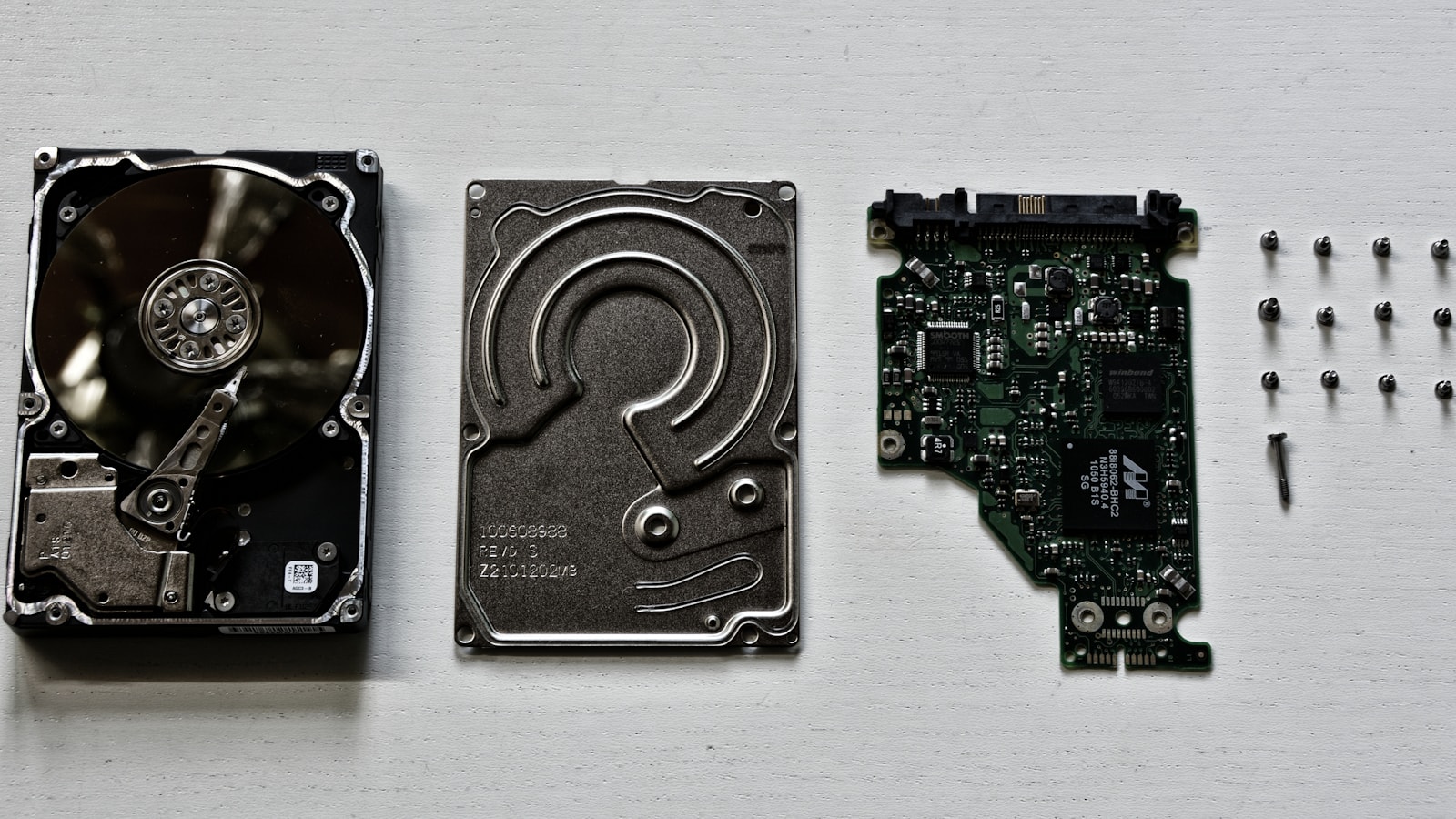
Storage is the part of a first Proxmox build most likely to become expensive twice. A single large SSD looks simple until VMs, ISO images, snapshots, and backups compete for capacity and the only copy of an important service lives on the host.
A sensible first layout uses fast, redundant or readily replaceable storage for active VMs and sends backups to a physically separate device. A mirror improves availability; it is not a backup.
Separate the jobs
- Boot: Proxmox and host configuration.
- Active VM storage: virtual disks and containers.
- Bulk data: media and shared files.
- Backup: recoverable copies outside the active failure domain.
| Layout | Advantage | Tradeoff |
|---|---|---|
| One NVMe SSD | Simple and fast | No redundancy |
| Two mirrored SSDs | Survives one drive failure | Half raw capacity |
| Boot SSD plus VM SSD | Separates I/O | Each remains a failure point |
| Mirror plus separate backup | Availability and recovery | Higher cost |
ZFS or LVM-thin?
LVM-thin is straightforward for local virtual disks. ZFS adds checksumming, snapshots, compression, and integrated redundancy, but requires deliberate memory and disk planning. Proxmox advises giving ZFS direct disk access rather than placing it over conventional hardware RAID.
Consumer SSD caveats
Virtualization creates sync writes, metadata activity, and mixed I/O. Proxmox recommends SSDs with power-loss protection for good performance and discourages consumer SSDs for demanding production use. A budget lab can still use consumer drives, but should maintain verified backups, preserve free space, and monitor health and endurance.
Capacity and backups
Add virtual disks, containers, ISO files, templates, snapshots, and migration space. Thin provisioning delays allocation; it does not create capacity. Aim to keep at least 15–20% free, and more with unpredictable datasets.
Decide the restore destination before important services arrive. A snapshot on the same pool does not protect against pool failure, theft, host destruction, or operator error. Test restoring a disposable guest; a green backup job alone does not prove recovery.
Recommended starter design
- Two matched SSDs in a ZFS mirror when the system supports them
- A separate NAS, rotated external disk, or Proxmox Backup Server
- Bulk media separate from latency-sensitive VM disks
- SMART monitoring, capacity alerts, and a restore test
If a mini PC holds one drive, use it—but include external backup in the purchase plan.
Continue planning your server
Storage is only one part of the node. Use the Proxmox RAM sizing guide and home-lab CPU sizing guide to balance the rest of the build.
Sources
Research reviewed July 19, 2026.